Your page as a reseller
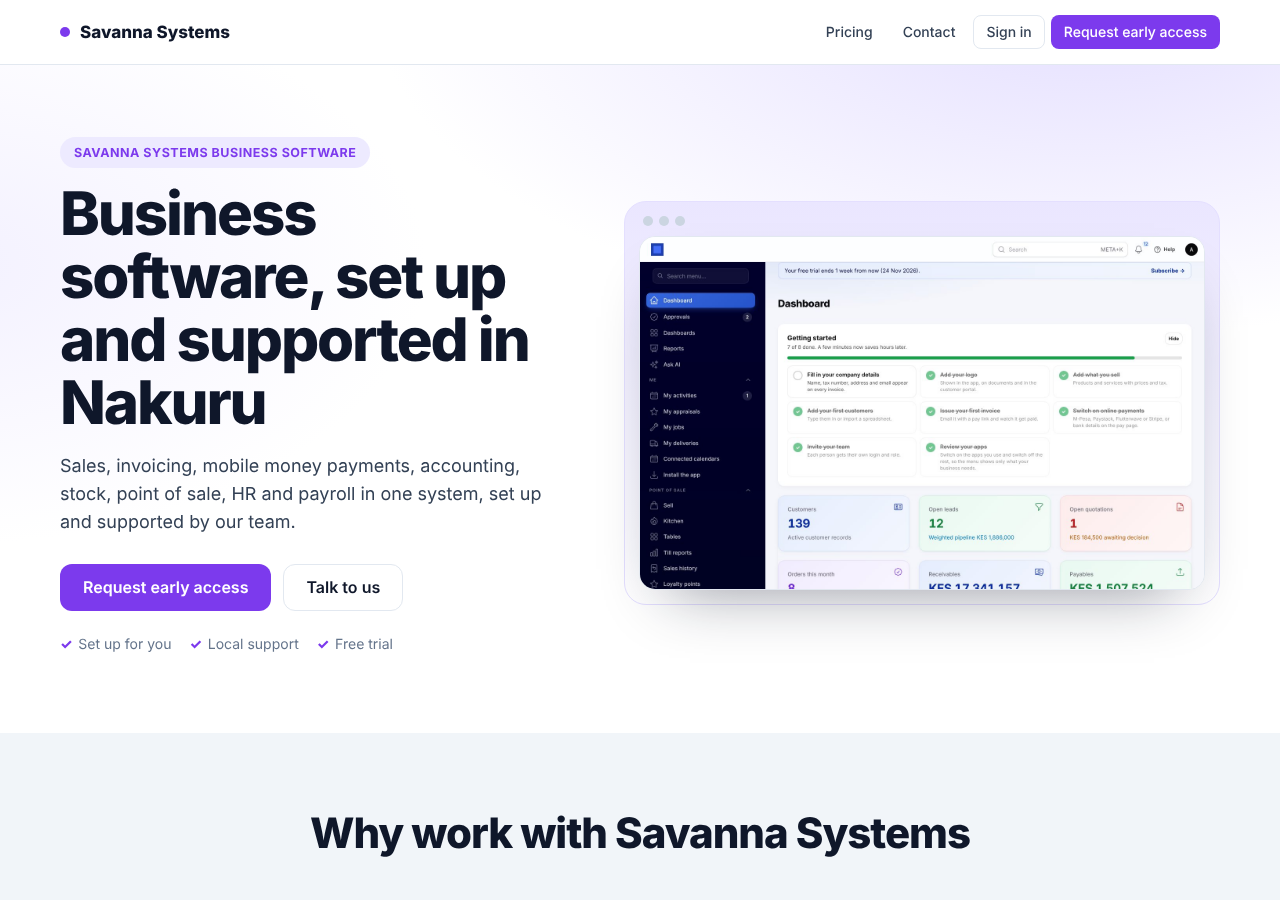
Resellers can build their own page, in their own name and colours, at their referral link (/r/ followed by your partner code). Visitors who open your link see your page instead of going straight to sign-up. The link still remembers you, so any sign-up from it is credited to you as before.
Note: Only resellers in good standing can build a page. Referral partners keep the plain referral link, which goes straight to sign-up.
Open the editor
- Ask for your dashboard link on the Partners page of the public site. We email it to you, and it works for 24 hours.
- On your dashboard, press Build your page (or Edit your page once you have one).
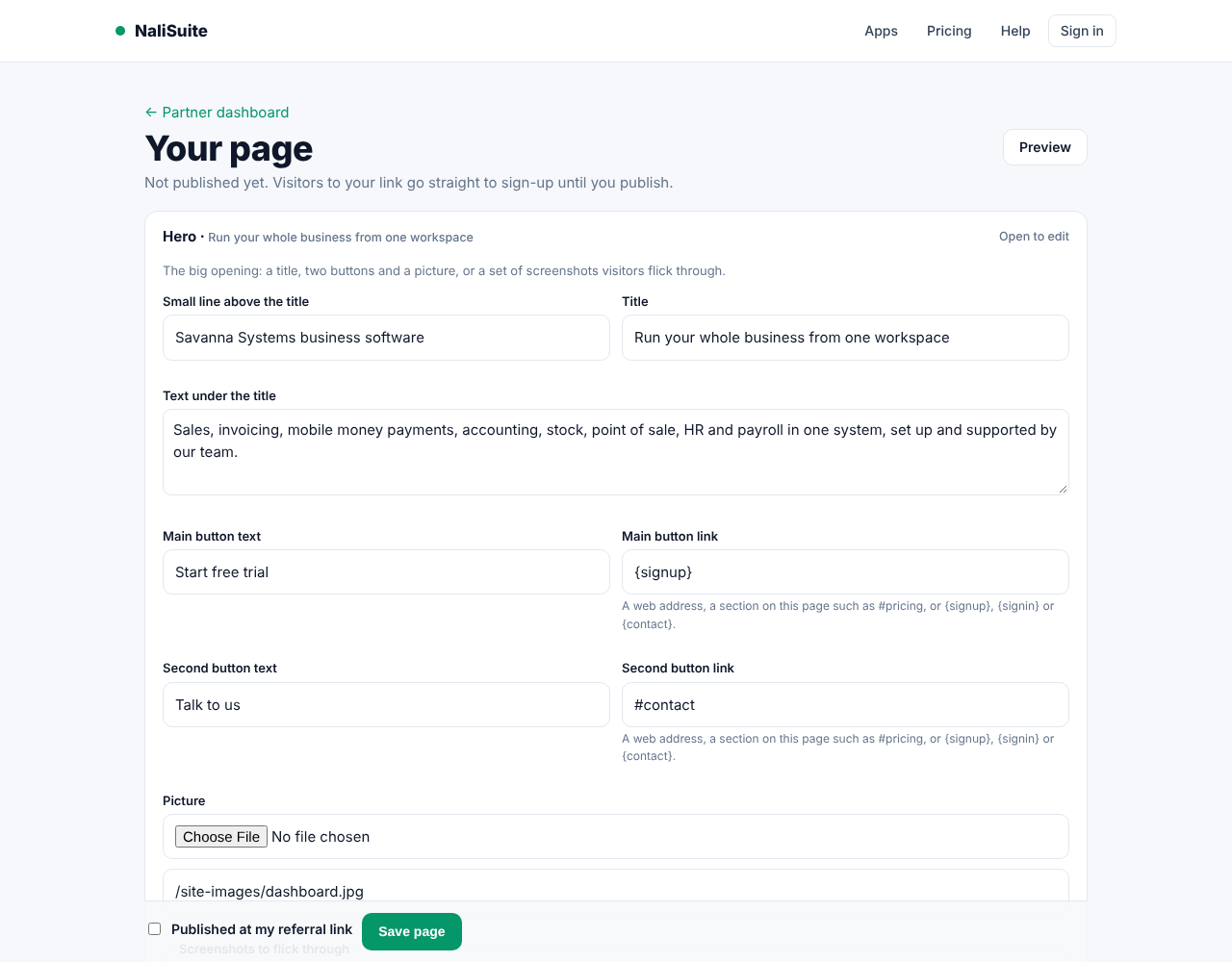
The page starts with sections in your brand: an opening, why work with you, the plans and their prices, questions and a contact form. Change the text, then save.
Edit the sections
- Press a section's bar to open it. Fill in its title, text, buttons and pictures. You can upload a picture or paste its address.
- In a section with a list (cards, questions, names), the last row is always empty. Fill it in to add a row. Tick Remove on a row to delete it.
- Move up, Move down and Remove section rearrange the page. Pick a kind under Add a section and press Add to put a new one at the end.
- Section options set the section's name in the address, its place in the top menu, its background, or hide it.
- Press Save page to keep your changes. Preview shows the page as visitors will see it.
The Plans section always shows the current plans and prices, and the Start free trial buttons take visitors to sign-up with your code.
Publish
Tick Published at my referral link and press Save page. From then on, your link shows the page. Untick it to go back to the plain sign-up link.
Messages
The contact form on your page emails you at your support address (or your partner email when you have none). The latest messages also show on your dashboard under Messages from your page.
The footer
Your page ends with a footer built from your partner details: your brand name and logo, your support email (or your email), phone and website, links to the sections you named for the menu, your sign-up and sign-in buttons, and the copyright line. Unless you sell under your own brand (white label), it also says you are an authorised partner and shows "Powered by". To change what it shows, ask staff to update your partner details.
Your brand
Your page uses the brand name, colour and logo set for your partner account. To change them, write to the platform team from the Partners page.