Contracts and retainers
Contracts keep track of agreements with customers:
- what they cover and what they are worth;
- when they start and end;
- the notice period, renewals and signatures.
Retainers hold money a customer pays in advance until you use it on their invoices.
Contracts are under Sales → Contracts and Sales → Contract templates. Retainers are in Finance → Payments and on each invoice.
Contract templates
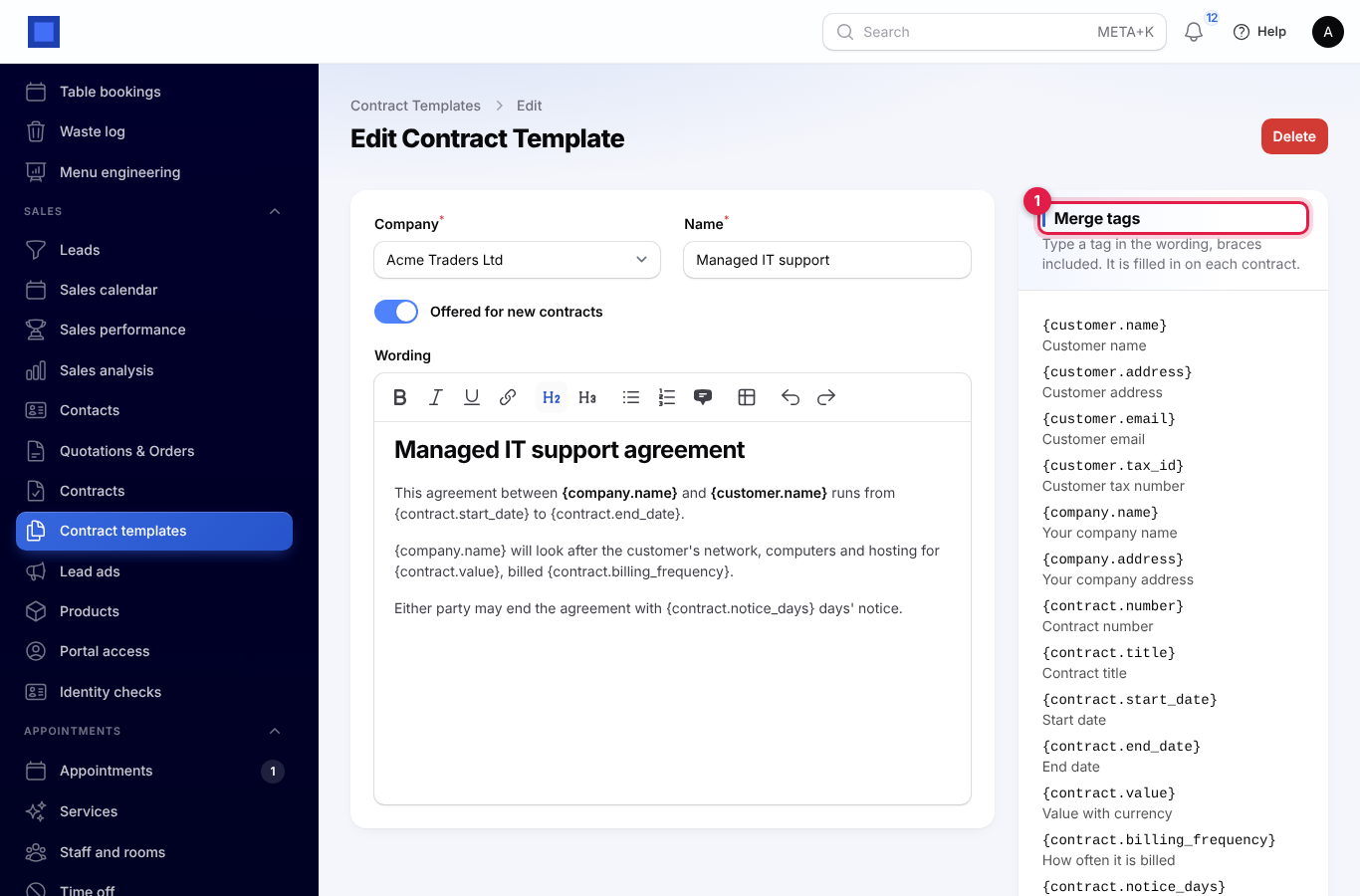
A template is the wording of a contract with merge tags that fill in from the contract and the customer, for example:
{customer.name},{customer.address},{company.name};{contract.start_date},{contract.end_date},{contract.value},{contract.notice_days};{today}.
The full list sits beside the editor (marker 1). Switch Offered for new contracts off to retire a template.
Contracts
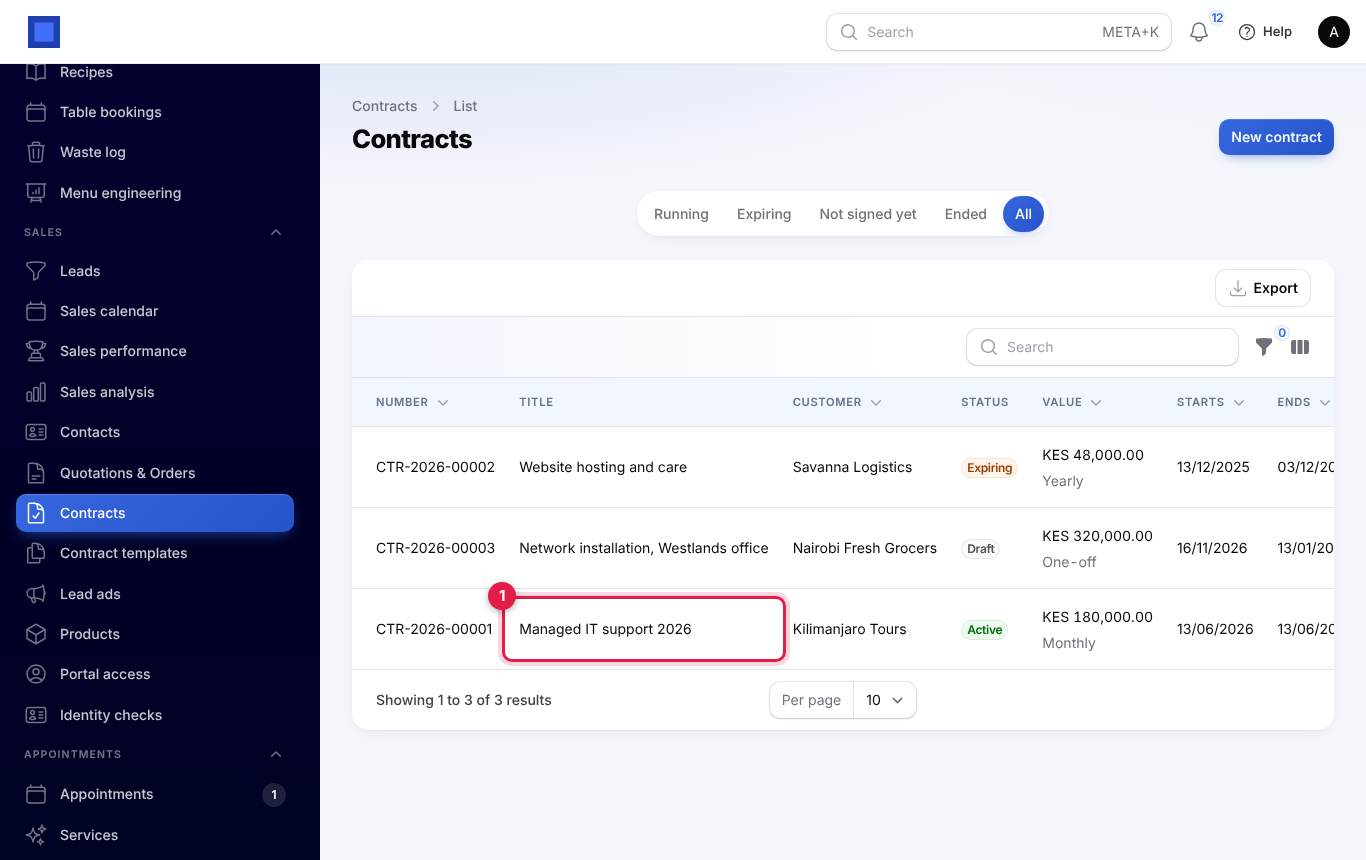
- Open Sales → Contracts and press New contract. The tabs (Running, Expiring, Not signed yet, Ended, All) sort them for you (markers 1 and 2 show a running and an expiring contract).
- Choose the customer, title and template (its wording is copied in and can still be changed), the value and currency, how often it is billed, the start and end dates, the notice period in days, whether it renews by itself, and the owner.
On a contract you can:
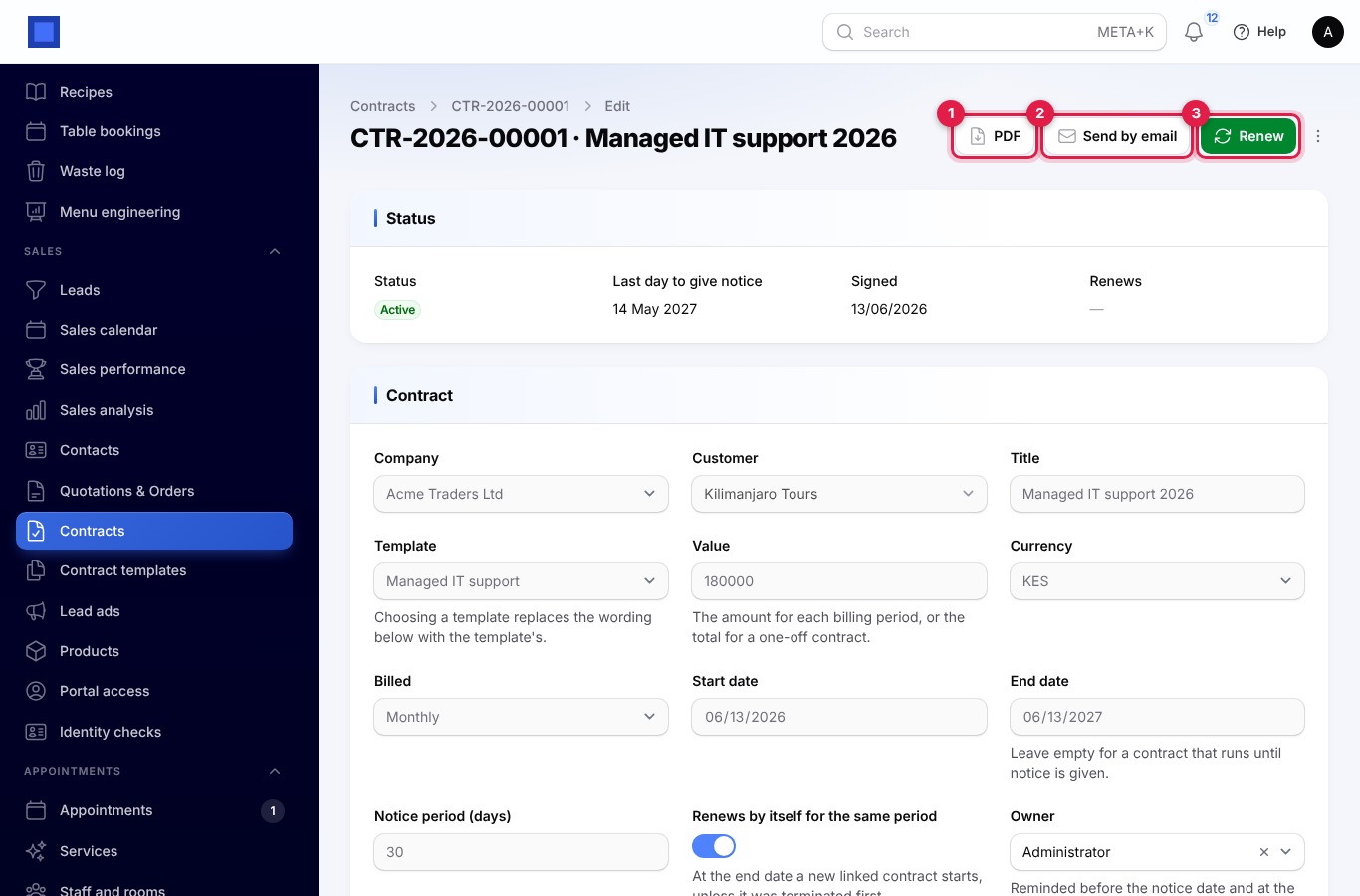
- download the PDF (marker 1), in your company's style with the key terms and signature blocks;
- Send by email (marker 2);
- Send for signature through Documents and Sign when that app is on: the contract turns active when the customer signs. Use Mark as signed for paper signatures;
- Renew (marker 3) to make the next period as a new linked contract;
- Terminate with a reason.
A contract is expiring once it is inside its notice period. The owner is reminded before the notice date and on the end date. Choose how many days before under Settings → Sales. Contracts that renew by themselves start their next period at the end date.
Contracts show on the customer's page and, when the customer portal is on, in the portal with their PDF.
Retainers
A retainer is money held for the customer, not income, until you use it.
- Finance → Payments → Receive a retainer records money received in advance.
- Finance → Invoices → Retainer invoice asks the customer to pay one; paying it, by hand or online, records the retainer.
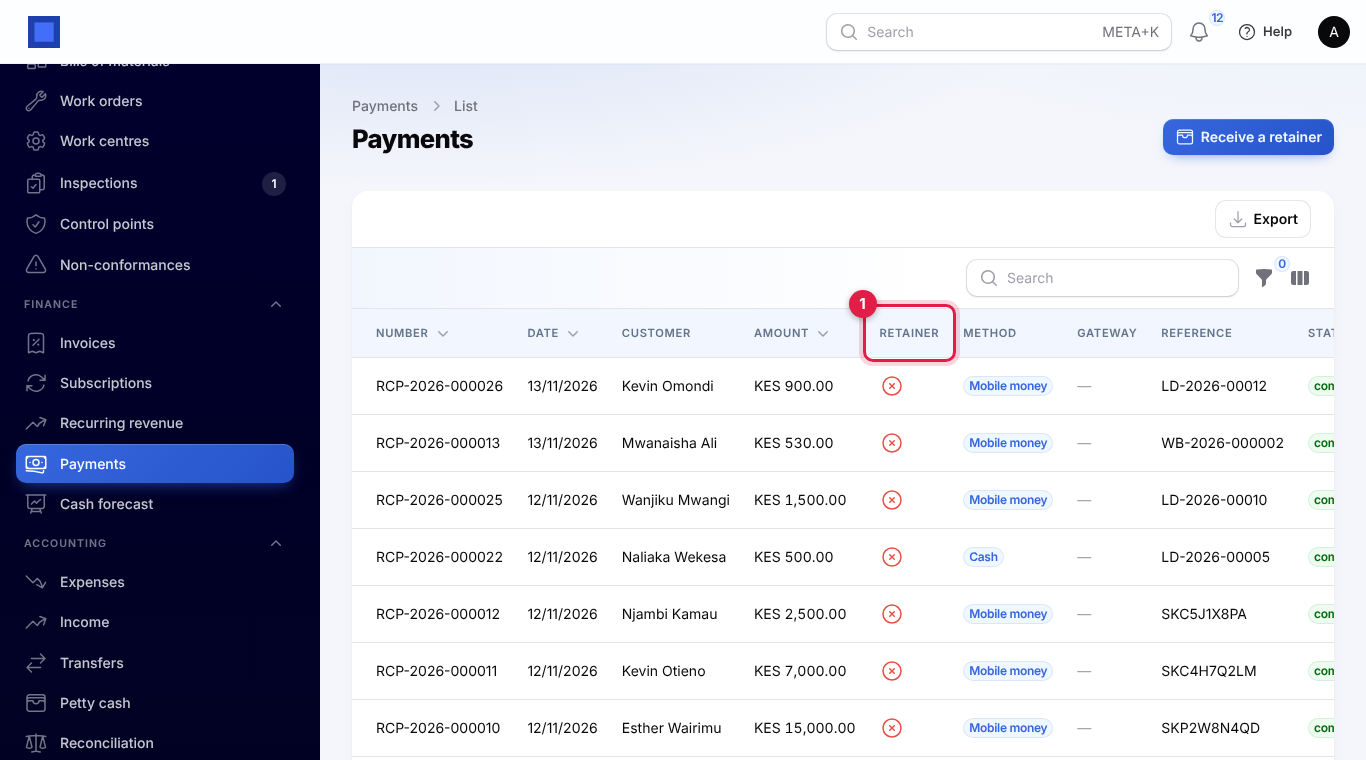
- The payments list shows which payments are retainers (marker 1) and how much is left of each.
- The customer's page shows Retainer held, and new invoices remind you of it.
- On an invoice, Apply retainer uses the balance against what is due. It suggests the smaller of the two and never goes over either.
- Customer statements show the retainer received, used and refunded, and the balance.
In the books a retainer is posted to Customer deposits, a liability, and moved to the customer's account when you apply it.